Excel or CSV file.
New School Admin Guide
Getting Started with AptTech
Set up your school in a few simple steps.
Average setup time: 15-20 minutes
Before Setup
What You Need Before Setup
Names and assignments.
Class subject structure.
Your preferred school format.
Report card template support: Please choose from the templates or forward your preferred report card template to AptTech so we can help align your setup with your school format. Send it to template@apttech-schoolreport.com.
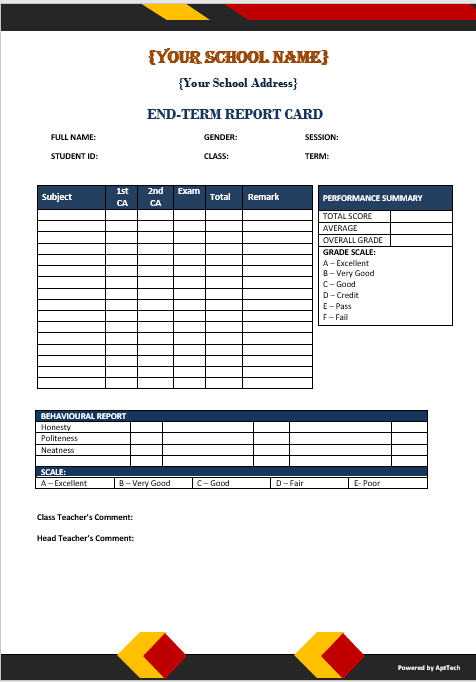
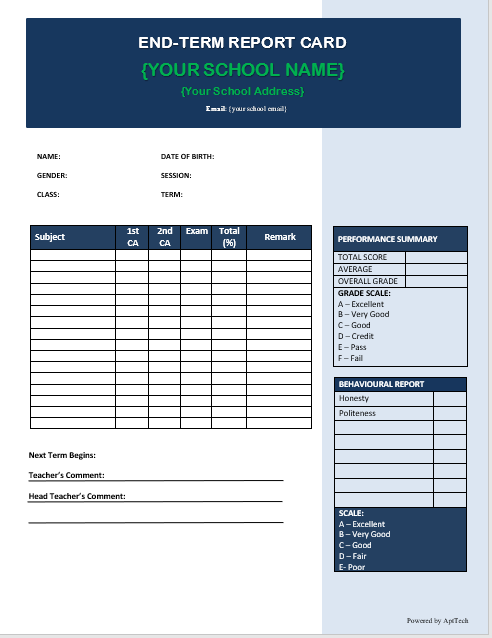
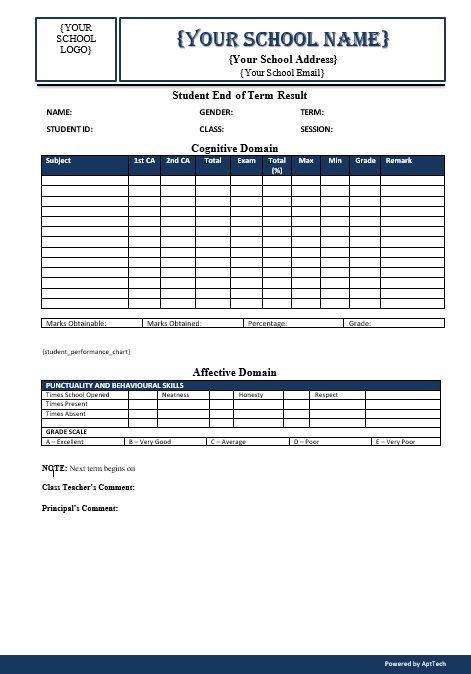
Note: School and template configuration may take 1-3 days before reliable report generation.
Setup Steps
Follow these steps to launch your school workspace
Step 1 — Create Your School Account
Register your school and create an administrator account.
- School name
- Password
Step 2 — Create Classes
Add your school classes such as JSS1, JSS2, SS1, etc.
Step 3 — Upload Student List
Upload students using Excel or CSV file.
Student IDs can be generated automatically if omitted.
Step 4 — Create Teachers
Add teachers and assign subjects/classes.
- Teacher: Mr John
- Subject: Mathematics
- Class: JSS1
Step 5 — Create Subjects
Create subjects and link them to classes and teachers.
Students will be added automatically from the selected class.
Step 6 — Teachers Enter Scores
Teachers log in and enter CA and exam scores for assigned subjects.
Step 7 — Generate Report Cards
Generate downloadable report cards instantly.
- PDF download
- Parent email delivery
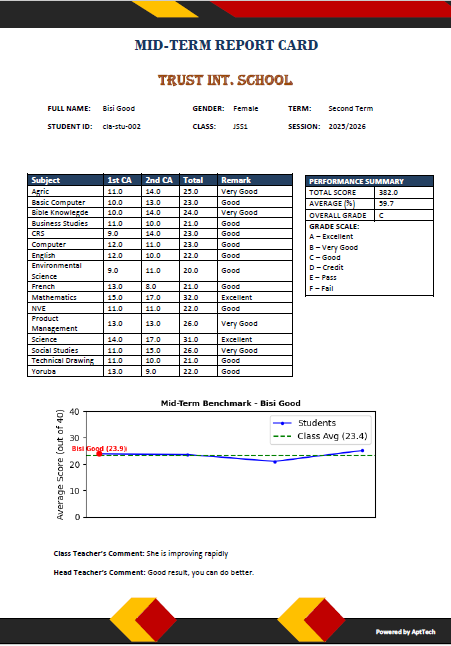
Ready to digitize your school assessment process?
Start with your school account and complete setup in one organized flow.